第二篇博客:用 Obsidian 写作,用 GitHub Pages 发布
#Obsidian
这是 Allen.ee 的第s二篇 Markdown 博客文章。
以后我的流程是:
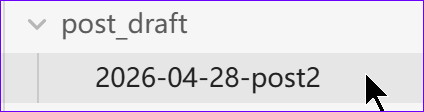
- 在 Obsidian 外层目录 allen.ee / post draft / 2026-04-28-post2写草稿
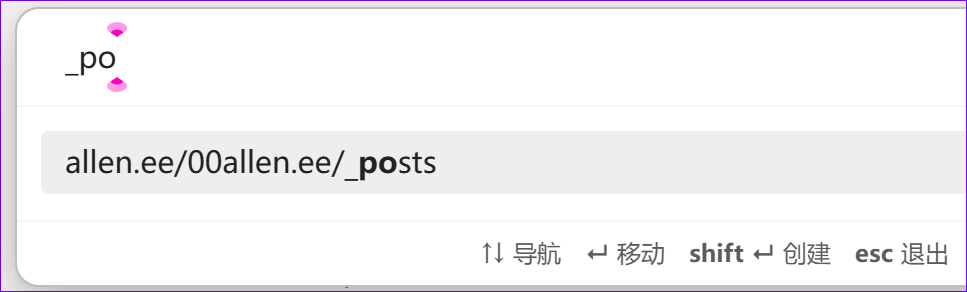
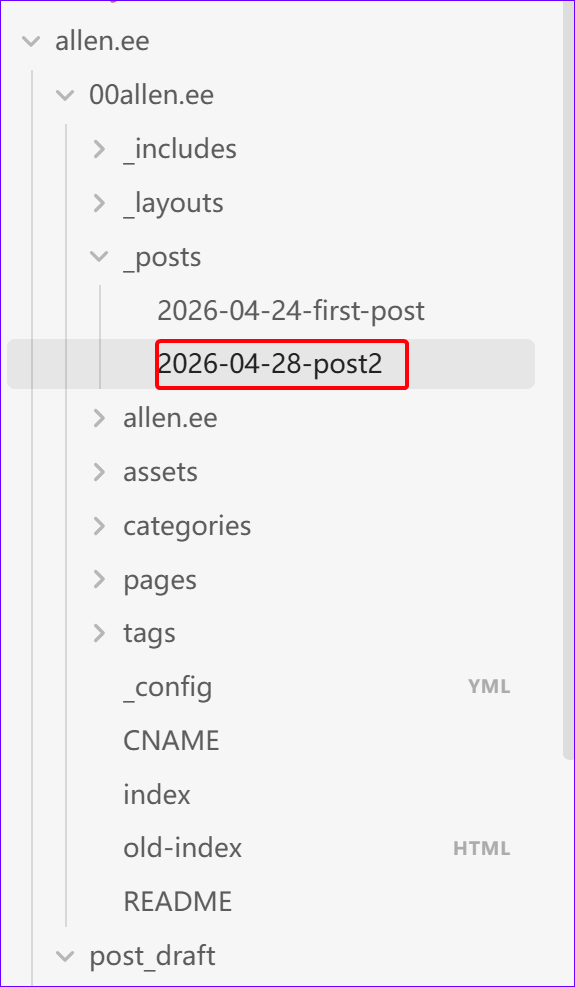
- 确认发布后,把文章移动到
00allen.ee/_posts/。- ctrl+shift+M 移动
- ctrl+shift+M 移动
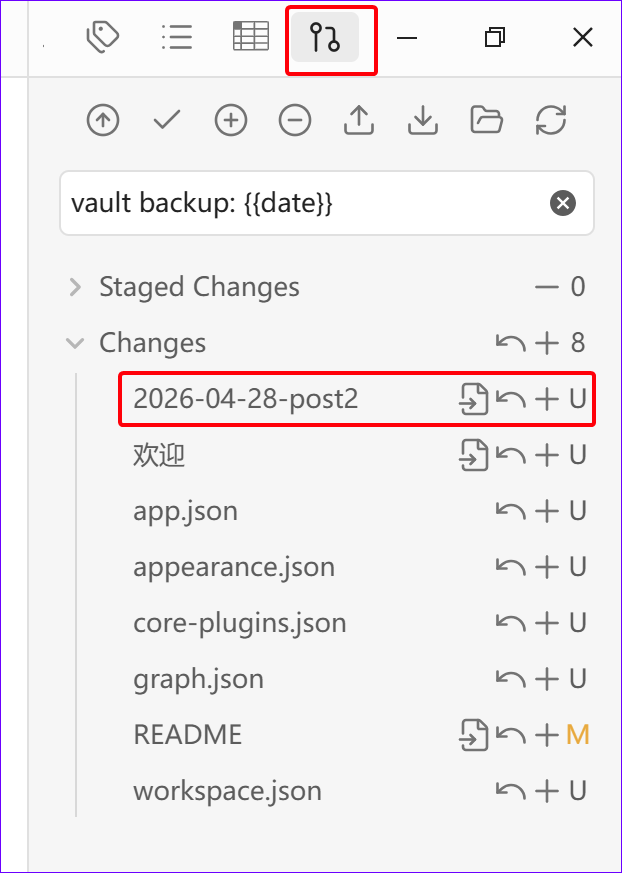
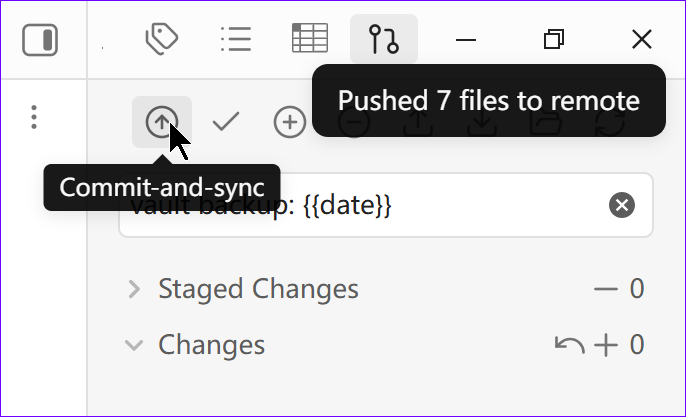
- 使 bobsidian git插件来 提交并推送测试。
- GitHub Pages 自动发布为静态博客。
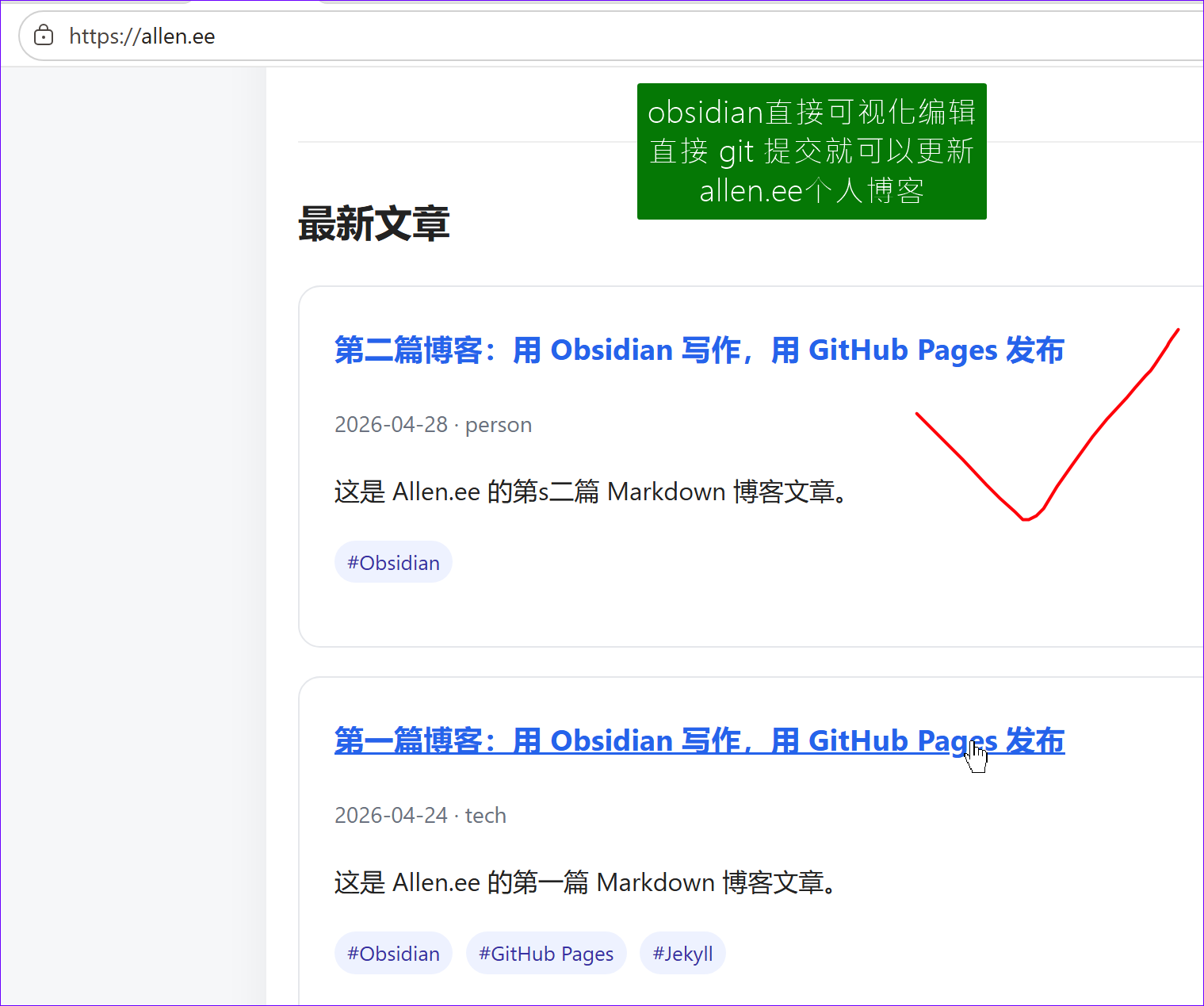
- allen.ee 在线预览
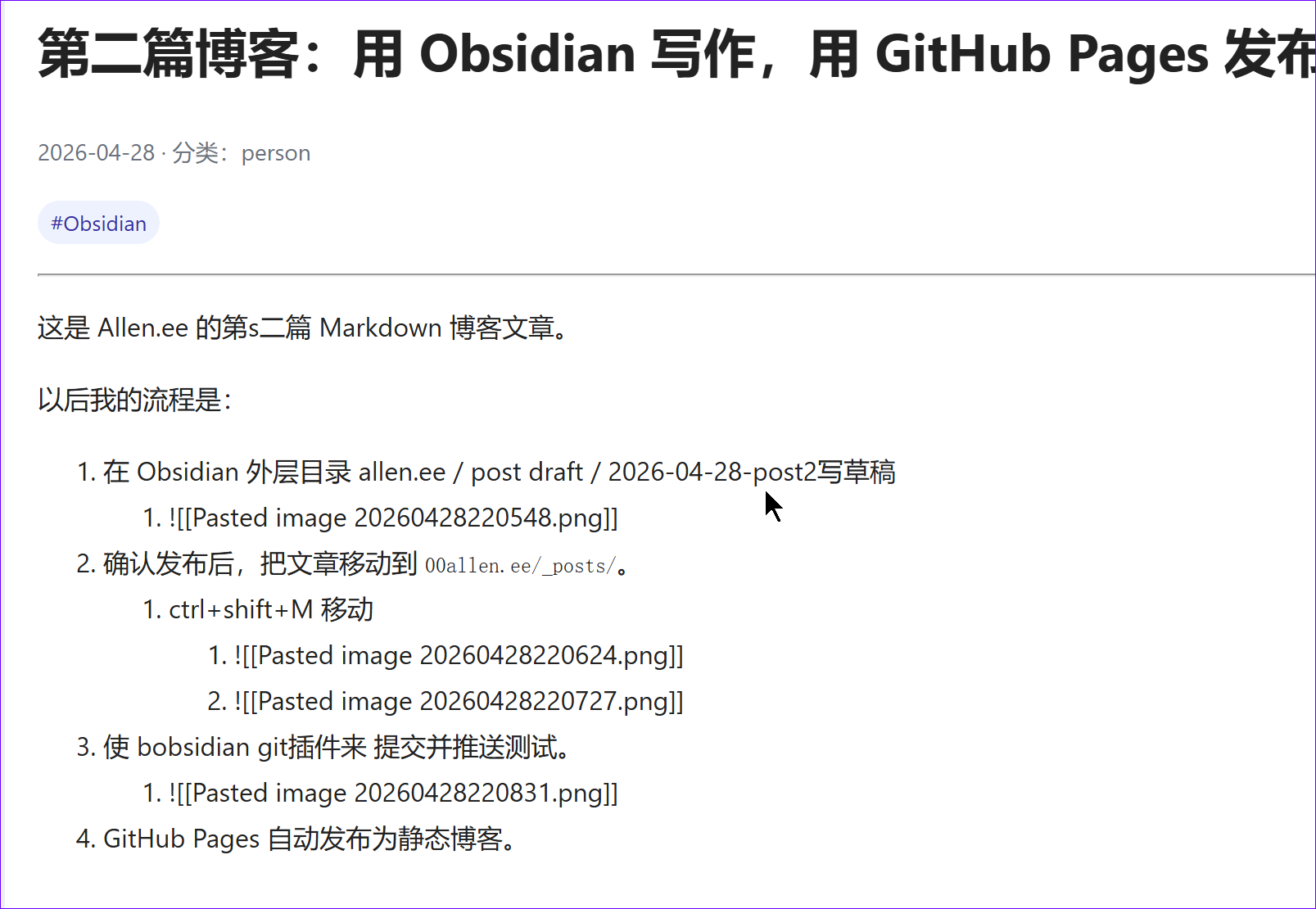
- 图片不显示问题
- 目前图片路径
-
D:\B4P360\Documents\Obsidian260223\
├─ Attachments\
│  └─ Pasted image 20260428221254.png
└─ allen.ee\
   ├─ post draft\
   │  └─ 2026-04-28-post2.md
   └─ 00allen.ee\
      ├─ _posts\
      │  └─ 2026-04-28-post2.md
      └─ assets\
         └─ images\
            └─ 2026\
               └─ 04\
                  └─ 2026-04-28-post2-01.png
-
- 创建py脚本批量把图片移过来,且更新 文章的图片
- 目前图片路径
import re
import shutil
import sys
from pathlib import Path
# Usage:
# python publish-images.py "00allen.ee/_posts/2026-04-28-post2.md"
if len(sys.argv) < 2:
print('Usage: python publish-images.py "00allen.ee/_posts/2026-04-28-post2.md"')
sys.exit(1)
post_file = Path(sys.argv[1])
vault_root = Path("D:/B4P360/Documents/Obsidian260223")
attach_dir = vault_root / "Attachments"
site_root = vault_root / "allen.ee" / "00allen.ee"
if not post_file.exists():
print(f"Post file not found: {post_file}")
sys.exit(1)
basename = post_file.name
m = re.match(r"^(\d{4})-(\d{2})-(\d{2})-(.+)\.md$", basename)
if not m:
print(f"Cannot detect date from filename: {basename}")
print("Expected filename like: 2026-04-28-post2.md")
sys.exit(1)
year, month, day, slug_tail = m.groups()
slug = basename[:-3]
dest_dir = site_root / "assets" / "images" / year / month
dest_dir.mkdir(parents=True, exist_ok=True)
# Use relative path from _posts/ to assets/
url_prefix = f"../assets/images/{year}/{month}"
text = post_file.read_text(encoding="utf-8")
# Match Obsidian image syntax:
# ![[image.png]]
# ![[image.png|500]]
pattern = re.compile(
r"!\[\[([^]\|]+\.(?:png|jpg|jpeg|gif|webp))(?:\|[^\]]+)?\]\]",
re.IGNORECASE,
)
matches = list(pattern.finditer(text))
if not matches:
print("No Obsidian image embeds found.")
sys.exit(0)
counter = 1
replacements = {}
for match in matches:
original = match.group(0)
image_name = match.group(1)
ext = Path(image_name).suffix.lower()
new_name = f"{slug}-{counter:02d}{ext}"
src = attach_dir / image_name
dest = dest_dir / new_name
url = f"{url_prefix}/{new_name}"
alt = Path(image_name).stem
if not src.exists():
print(f"Image not found: {src}")
counter += 1
continue
shutil.copy2(src, dest)
markdown_img = f""
replacements[original] = markdown_img
print(f"Copied: {src}")
print(f" -> {dest}")
print(f"Replaced: {original}")
print(f" -> {markdown_img}")
counter += 1
for old, new in replacements.items():
text = text.replace(old, new)
post_file.write_text(text, encoding="utf-8")
print()
print("Done.")
print(f"Updated post: {post_file}")
print(f"Images saved to: {dest_dir}")
以后流程
以后你继续运行:
python publish-images.py "00allen.ee/_posts/2026-04-28-post2.md"
它会自动生成相对路径:
../assets/images/2026/04/xxx.png
然后 Obsidian 里可以显示图片。